Claude Cowork Is Going Mobile - and It Runs While Your Phone Is Closed
Anthropic is quietly testing a way to start a Claude task on your phone, lock it, and walk away while it keeps working. Here is what the leaked screens reveal.
Founder & Lead Technician
Quick answer
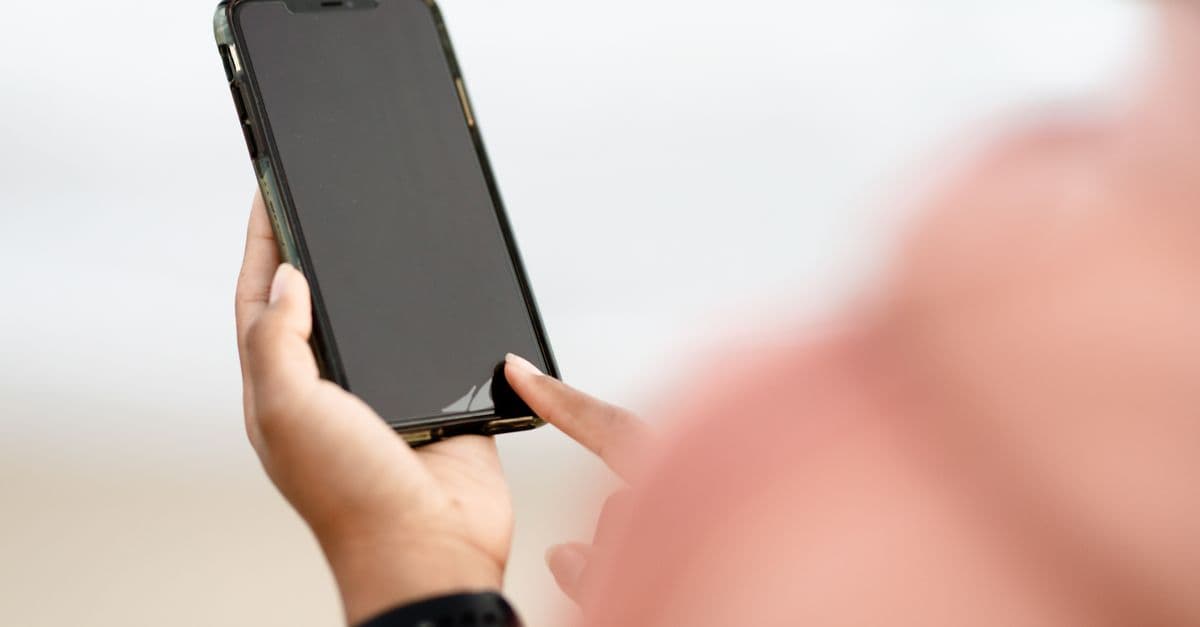
Anthropic is testing Claude Cowork on mobile, letting users start and steer long-running agentic tasks from a phone, browser, or desktop. Leaked screenshots confirm work continues in the background even after the app is closed, positioning mobile Cowork as a remote control for the desktop agent.
Start a task on your phone. Lock the screen. Walk away. It keeps going.
That is the quiet promise hiding inside leaked screenshots of Claude Cowork on mobile, and it is a bigger shift than the casual phrasing suggests.
Anthropic appears to be testing mobile support for Cowork, its desktop-focused agentic mode for Claude. The pitch on the leaked screens is blunt: you will be able to start and steer tasks directly from your phone, and check in from your phone, browser, or Claude desktop app. The line that should make you sit up is the last one - work continues in the background, even when you close the app.
Here is why that matters more than a typical feature drop.
What Cowork actually is - and why mobile changes the math
If you have only used Claude as a chatbot, Cowork is a different animal. It is Anthropic agentic mode for regular knowledge work, borrowing some of the task-running muscle from Claude Code but pointed at documents instead of codebases.
Where Claude Code is tuned for development, Cowork is built to grind on longer jobs. It can use files, create documents, generate spreadsheets, write reports, and keep working in the background while you watch the progress instead of babysitting every step.
One real example from early testing: while compiling a React Native app locally, a machine ran out of storage. Cowork went through the local folders in the partition, found the files eating most of the space, and surfaced the ones the user did not even know were there. That is not autocomplete. That is an assistant doing a chore end to end.
Until now, that power has been chained to one place: Claude Desktop on macOS and Windows. To kick off a Cowork task, you had to be at your computer.
Mobile breaks that chain. And the chain was the whole limitation.
The detail everyone will skim past
Read the leaked language again: work continues in the background, even when you close the app.
That single clause tells you how this is built. Your phone is almost certainly not doing the heavy lifting. A modern handset cannot reliably crunch a long agentic job for an hour while throttling background apps to save battery - and it does not have to.
The screenshots point to a different design. Mobile Cowork looks less like a shrunken desktop app and more like a remote control for Cowork running on your PC or on Anthropic backend. You issue the instruction; the real work happens somewhere with actual compute; your phone just starts it, steers it, and checks in.
That is the same architectural idea that makes server-side agents useful at all. The interesting part is that Anthropic is now putting the steering wheel in your pocket.
Treat any always-on agent that runs while your screen is locked as a standing permission, not a one-off command. Before you let a background task touch files or accounts, decide what it is actually allowed to reach - because you will not be watching when it acts.
Why this is the logical next step, not a surprise
This is part of a clear industry direction, and Anthropic is moving with it rather than inventing it from scratch.
The first wave of AI assistants were synchronous: you typed, you waited, you read the answer, the session ended. The second wave - agents - is asynchronous. You delegate, the system works over minutes or hours, and you collect the result later. Asynchronous work only pays off if you can delegate from anywhere and get pulled back in when something needs you.
A desktop-only agent fails that test. You are not at your desk when the good ideas - or the urgent ones - show up. Putting the controls on mobile is what turns a powerful desktop demo into something you actually fold into a day.
What it means for you - winners and trade-offs
If you live in documents, reports, and spreadsheets, mobile Cowork is squarely aimed at you. The realistic everyday use is not magic - it is reclaiming dead time.
- Kick off long jobs early. Start a report or a data cleanup from your phone before you reach your desk, and review a draft instead of a blank page.
- Steer without sitting down. Nudge a running task - change the format, narrow the scope, redirect it - from a coffee line instead of waiting to get home.
- Check in, not babysit. Glance at progress across phone, browser, or desktop and only step in when the agent actually needs a decision.
There is a flip side worth naming. An assistant that keeps working while the app is closed is convenient precisely because it is out of sight - and out of sight is exactly when oversight slips. The more capable the background agent, the more it matters what files, folders, and accounts it can touch without you watching.
What happens next (24-72 hours)
This is a test surfaced through screenshots on X, not an official launch, so anchor your expectations accordingly.
- No public rollout yet. Testing screens are not a release. Treat any specific UI you see as provisional and subject to change before it ships.
- Watch the platform split. The early signal is that mobile acts as a remote for desktop or backend Cowork. Whether it ever runs meaningful work fully on-device is the open question to track.
- Expect controls to follow capability. A background agent that runs while your phone is locked invites questions about permissions and approvals. The features worth waiting for are the ones that let you cap what a task can reach before it runs.
The headline is not that Claude is getting a phone app - it already has one. It is that the agent no longer needs you sitting in front of a computer to do real work. Start it from your pocket, close the app, and let it run.
That is a small change in interface and a large change in how the work gets done.
Source: BleepingComputer
Frequently asked questions
What is Claude Cowork?+
Claude Cowork is Anthropic agentic mode for general knowledge work. Unlike Claude Code, which targets development, Cowork handles longer tasks, works with files, and can create documents, spreadsheets, and reports while running in the background as you monitor progress.
Can Claude Cowork really keep working after I close the phone app?+
According to leaked screenshots, yes. Anthropic states that work continues in the background even when you close the app, because the task runs on the connected desktop or backend rather than only on your phone.
Is mobile Cowork a full desktop app on my phone?+
No. The screenshots indicate Anthropic is not turning the mobile app into a full desktop experience. Mobile Cowork appears to work more like a remote control to start, steer, and check in on tasks running on your PC.
Founder & Lead Technician
Daniel founded Ask Technicians to cut through bad tech advice. He writes hands-on troubleshooting guides drawn from years of real-world repair and support work.
Related guides

Anthropic Launches Claude Tag: AI Lives in Slack
Anthropic put an always-on Claude inside Slack as a tagged AI teammate that learns your company over time. Here is what Claude Tag does and why it matters.

Founder Fed His Cancer Data Into Claude to Fight Back
A 35-year-old founder poured his bloodwork, scans, wearable data and journal into Claude during six months of chemo. Here is what he did and why it is trending.
Asian AI Labs Launch Models as Anthropic Ban Drags On
Sakana AI and China's 360 unveiled frontier models pitched as export-ban-proof alternatives to Anthropic's Mythos and Fable 5. Here is what shipped and why it matters.

US Gov Now Gates AI Releases: GPT-5.6 in Limbo
The US government is approving frontier AI models customer-by-customer, leaving OpenAI's GPT-5.6 and Anthropic's Mythos stuck in preview. Here's what it means.